
How to Spot a Fake or Badly Refurbished Laptop in Sharjah Before You Pay
A refurbished laptop can be one of the smartest buys in Sharjah. You get a strong business laptop for half the price of a new one. But the word refurbished is not a fixed promise. Some sellers test every laptop, clean it, and back it with a real warranty. Others just wipe the screen, switch it on, and call it refurbished. This guide shows you how to tell the two apart before you hand over your money.
The short answer is simple. A good refurbished laptop has a clear model name, a tested battery, a working screen, a genuine Windows or macOS install, and a written warranty. A fake or badly refurbished laptop hides one or more of these things. If a seller cannot show you the facts, walk away. There is always another shop in Sharjah.
Quick rule: Never pay for a refurbished laptop until you have seen the real model number, the battery report, the screen test, and the warranty in writing. These four checks take ten minutes and save you hundreds of dirhams.
What Does Refurbished Really Mean?
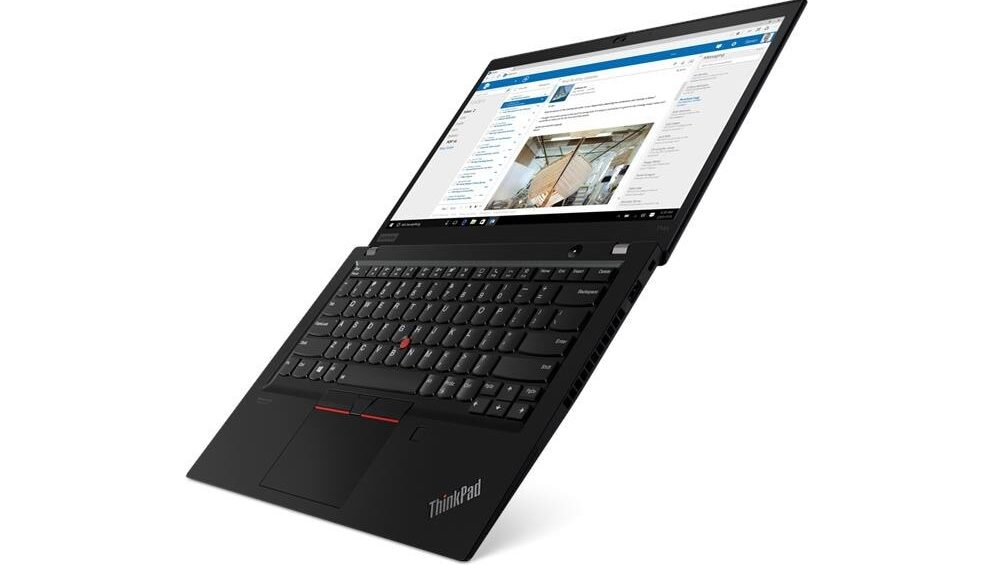
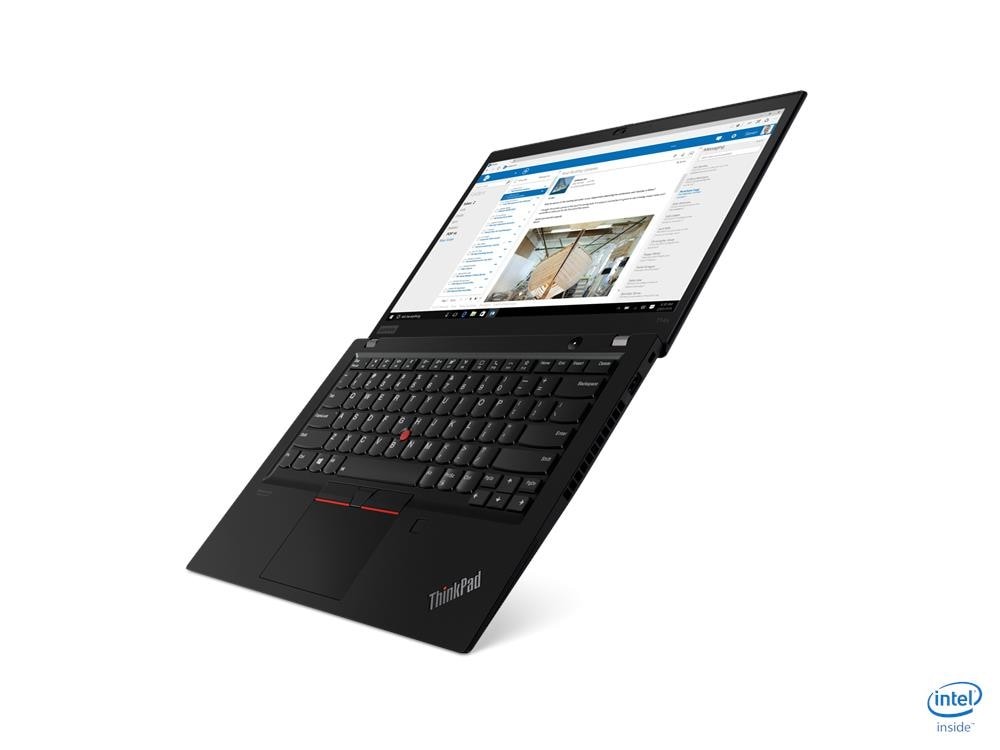
A real refurbished laptop is a used laptop that has been checked, cleaned, and repaired where needed. The best stock in the UAE is ex-corporate business laptops. These are Dell Latitude, HP EliteBook, and Lenovo ThinkPad machines that companies used for two or three years and then returned. They were built to last, and after proper testing they still have years of good work left in them.
A fake refurbished laptop is different. It is just a used laptop that has been resold with a new label. Nobody tested the battery. Nobody checked the screen for dead pixels. Nobody confirmed the storage is healthy. The seller is hoping you will not check either.
There is also a middle case. A badly refurbished laptop was opened and partly fixed, but with cheap parts or rushed work. The screen may be a low quality replacement. The battery may be an old cell that holds little charge. The charger may be a copy that overheats. These laptops work on day one and fail in week three, right after the return window closes.
Red Flags in the Price and the Ad
Most bad deals show their warning signs before you even touch the laptop. Read the ad slowly. These are the red flags that should make you stop and ask questions.
1. The price is far below every other seller
A Dell Latitude 7490 sells for around AED 570 at Laptops Gulf. A Lenovo ThinkPad T14s sells for around AED 1,070. If another seller offers the same model for half that price, something is wrong. Either the specs are lower than stated, the battery is dead, or the laptop has a hidden fault. A fair price is close to the market. A price that looks too good is almost always a trap.
2. The specs are vague
“Core i7, 16GB, 512GB” is not a full spec. A Core i7 from eight years ago is much slower than a Core i5 from two years ago. A good seller writes the full processor name, for example Core i7-1165G7. They also state the RAM type, the storage type, and the screen size. If the ad hides the generation, the seller is hiding the age of the laptop.
3. Only stock photos, never the real unit
Manufacturer photos tell you nothing about the laptop you will receive. Every used laptop has its own scratches and wear. A seller who is confident in the stock will show real photos of the actual unit or let you see it in person. Stock photos only is a warning sign.
4. No warranty in writing
A seller who will not put the warranty in writing is not standing behind the laptop. At Laptops Gulf every laptop comes with a 12-month warranty and 10-day returns. That is what a real warranty looks like. It names the period, it names what is covered, and it is written down. A verbal promise of “one year warranty” with no paper is worth nothing when the laptop stops working.
5. No return window
You need time to test a laptop under real work. A seller with no returns is asking you to take all the risk. Never buy a refurbished laptop with zero return days. Ten days is a fair window to test the battery, the screen, and the speed in daily use.
6. Pressure to pay fast
“Only one left, pay now or it is gone” is a sales trick. A real shop in Sharjah has stock and will let you test the laptop first. If a seller rushes you, they do not want you to check the machine. Slow down and test it anyway.
Red flags checklist before you pay:
- Price far below the Sharjah market
- Specs missing the processor generation
- Only stock photos, no real unit photos
- No written warranty
- No return window
- Seller rushes you to pay
- Charger looks cheap or is not the original brand
- Windows is not activated
Step by Step Checks in the Shop or on Delivery
These checks take about ten minutes. Do them in the shop before you pay, or the moment a Cash on Delivery order arrives. If the seller will not let you run them, that itself is your answer.
Step 1. Match the specs to the ad
Open Settings, then System, then About on Windows. Check the processor name, the RAM amount, and the Windows edition. Then open Task Manager, go to Performance, and check the Disk tab. It must say SSD, not HDD. An SSD makes the laptop feel fast. A hard drive in a laptop sold as fast is a clear sign of a bad deal. On a MacBook, open About This Mac and check the chip, memory, and storage.
Step 2. Check the battery health
The battery is the most common hidden problem in a refurbished laptop. On Windows, open Command Prompt and type powercfg /batteryreport. Open the report it creates and compare Design Capacity with Full Charge Capacity. If the full charge capacity is below 70 percent of the design capacity, the battery is worn out. Ask the seller what happens if the battery fails inside the warranty. On a MacBook, hold Option, click the Apple menu, open System Information, and look at Power for the cycle count and condition. Under 500 cycles on an older machine is a good sign. Over 800 cycles means you should plan for a battery replacement soon.
Step 3. Test the screen
The screen is the most costly part to replace, so test it well. Open a plain white image full screen, then a plain black image. Look for dead pixels, bright spots, dark spots, lines, and flicker. Turn the brightness up and down. In a dim room, a black screen will show backlight bleed as glowing patches at the corners. One small stuck pixel at the edge is minor. A cluster of dead pixels near the centre is a real problem.
Step 4. Test the keyboard, touchpad, and ports
Open a text file and press every key, including the function keys and the space bar. A sticky or dead key is a cheap fix for a seller but an annoying fault for you. Move the touchpad with one finger and two fingers. Test every USB port with a pen drive, test the charging port, the HDMI port if it has one, and the headphone jack. Play a short video to check the speakers and open the camera app to check the webcam. Test Wi-Fi by loading a web page.
Step 5. Check the SSD health
A laptop can have a 512GB SSD that is nearly worn out. A free tool like CrystalDiskInfo reads the drive health and shows a simple status. It should say Good. Caution or Bad means the drive is failing and you should not buy that unit. Also check the power on hours. Very high hours on a cheap drive is a warning sign.
Step 6. Check the serial number and activation lock
Ask for the serial number and check it on the maker’s website. It should match the model you are buying. On Windows, go to Settings, then System, then Activation. It must say Windows is activated with a genuine licence. A laptop with a cracked or unactivated Windows is a sign of a careless seller. On a MacBook, check that the previous owner has signed out of iCloud and that no Activation Lock remains. If the Mac asks for someone else’s Apple ID, do not buy it.
Step 7. Look at the body, hinges, and charger
Open and close the lid slowly. The hinge should feel firm, not loose or wobbly. Check the corners for dents and the screws underneath for signs of rough opening. Look inside the fan vents for heavy dust. Sharjah heat and dust are hard on laptops, so a clean fan and vents matter. Check the charger too. A genuine Dell 65W charger costs around AED 54 at Laptops Gulf. A light, unbranded copy charger can overheat and damage the battery. If the charger looks fake, ask for the original.
Good Refurbished vs Fake or Bad Refurbished
| Check | Good refurbished | Fake or bad refurbished |
|---|---|---|
| Specs | Full processor name and generation listed | Only “Core i7” with no generation |
| Battery | Tested, health report shared | No report, “battery is fine” only |
| Screen | Checked for dead pixels and bleed | Not tested, faults found later |
| Storage | Real SSD, health status Good | Old HDD or worn SSD sold as fast |
| Software | Genuine activated Windows or macOS | Unactivated or cracked software |
| Warranty | 12-month warranty in writing | No warranty or verbal promise only |
| Returns | 10-day returns | No returns once you leave |
| Charger | Original brand charger | Cheap unbranded copy |
What a Real 12-Month Warranty Looks Like
A real warranty is easy to recognise. It is written down. It names the period. It names what is covered. And the shop is still there when you need it. Read our plain guide on what a 12-month refurbished laptop warranty actually covers in Sharjah before you buy anywhere.
At Laptops Gulf, the warranty covers the laptop hardware for 12 months and returns are accepted within 10 days. The full terms are on the warranty and returns page. If a seller cannot show you a page like that, their warranty is just a word.
Two questions will protect you. First, does the warranty cover the battery? Many sellers exclude it, so ask before you pay. Second, who honours the warranty? A shop with a real Sharjah presence and a WhatsApp number you can message is far safer than a seller who disappears after the sale.
Safe Buys in Sharjah Right Now
If you want a laptop that has already passed these checks, these are fair Sharjah prices from the Laptops Gulf shop. Every one comes with the 12-month warranty, 10-day returns, free diagnosis, and Cash on Delivery with same-day delivery in Sharjah and Dubai.
- Dell Latitude 5480 from AED 489, a solid budget pick for study and office work
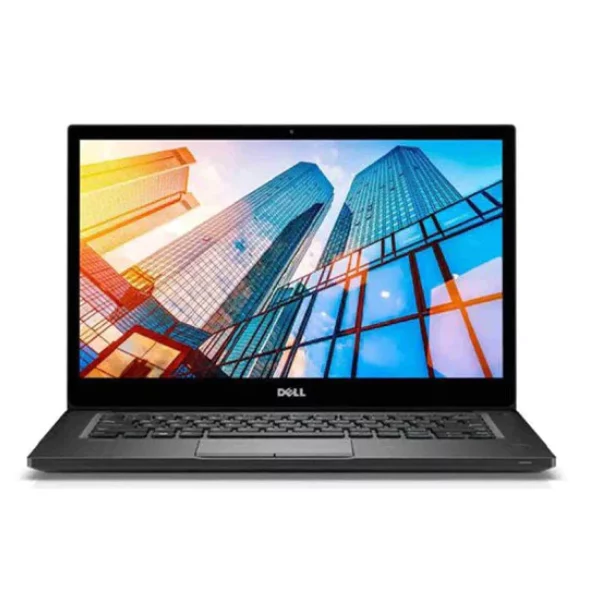
- Dell Latitude 7490 from AED 570, a light and strong business laptop
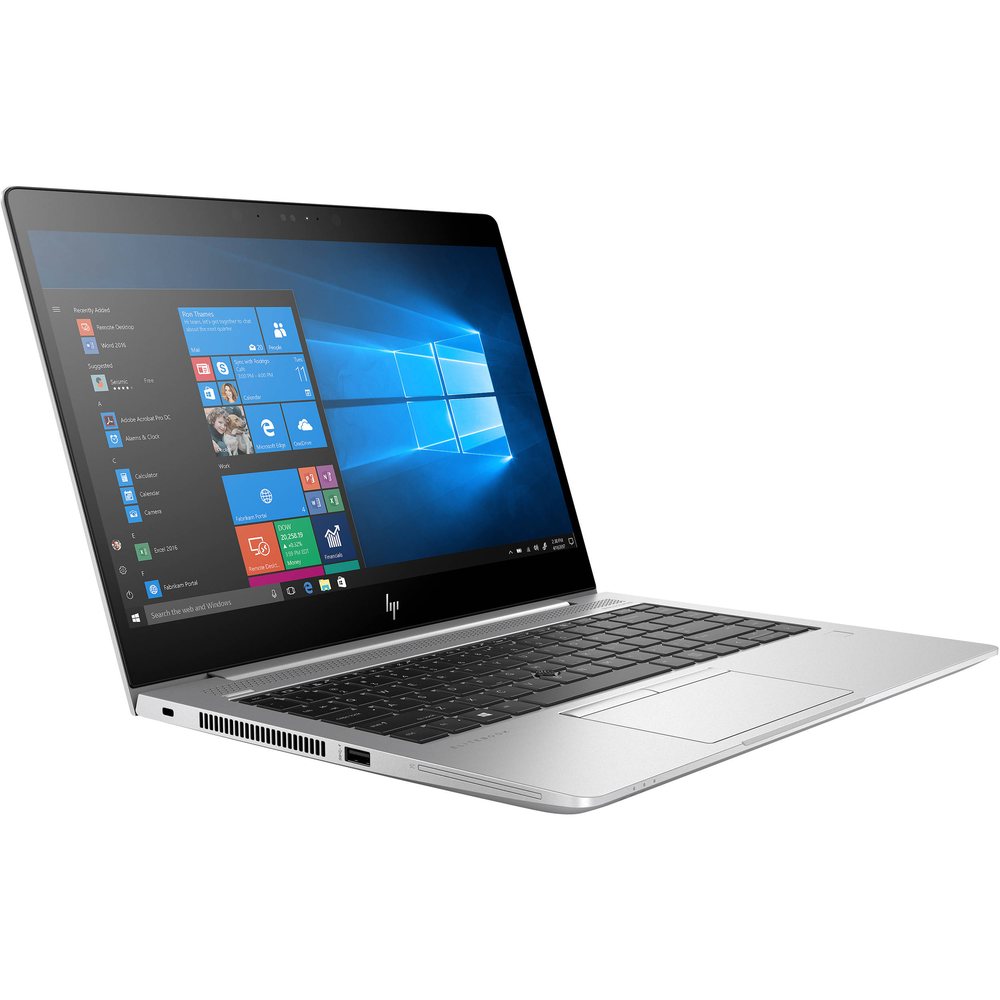
- HP EliteBook 840 G5 from AED 739, a slim and reliable work machine
- Dell Latitude 5320 from AED 870, a newer and faster daily laptop
- Dell Latitude 5420 from AED 1,158, a strong all rounder for heavy work
- Lenovo ThinkPad T14s from AED 1,070, our ThinkPad-led pick for work that needs a great keyboard
- HP EliteBook 840 G8 from AED 1,169, a newer EliteBook with modern speed
- Apple MacBook Air A1932 from AED 1,200, a light MacBook for study and travel
See the full range and current prices in the Laptops Gulf shop. Our Sharjah buying guide with prices and checks is also a good read before you choose.
Tips That Save You Money
- Buy ex-corporate business laptops. Dell Latitude, HP EliteBook, and Lenovo ThinkPad machines were built for daily office use and last longer than cheap consumer models.
- Test the laptop on battery power, not only on the charger. A battery that dies in twenty minutes will show itself fast.
- Run a video and open five browser tabs at once. A healthy laptop stays smooth. A faulty one will heat up, slow down, or freeze.
- Keep the bill and the warranty paper. Take a photo of both on your phone the same day.
- Use the return window. Test the laptop hard in the first few days. If anything feels wrong, return it at once.
- Do not pay extra for a charger you do not need, but do not accept a fake charger either. A genuine Dell 65W charger is around AED 54 and protects your battery.
Frequently Asked Questions
Is it safe to buy a refurbished laptop in Sharjah?
Yes, it is safe when you buy from a seller who tests each laptop, shows the battery health, and gives a written warranty. Laptops Gulf offers a 12-month warranty, 10-day returns, and Cash on Delivery, so you can check the laptop before you pay. Avoid sellers with no warranty and no return window.
What battery health should a refurbished laptop have?
A good refurbished laptop should hold at least 70 to 80 percent of its design capacity. Check it yourself with powercfg /batteryreport on Windows or System Information on a MacBook. If the full charge capacity is far below the design capacity, the battery is worn out and you should ask for a different unit or a lower price.
How can I tell if a refurbished laptop is fake?
Check the serial number on the maker’s website and match the specs in Settings to the ad. A fake or badly refurbished laptop often has vague specs, a dead battery, an unactivated Windows, a copy charger, or a screen with dead pixels. If the seller will not let you run these checks, do not buy it.
What should a 12-month refurbished laptop warranty cover?
It should cover hardware faults in writing, with a named period and a clear way to claim. At Laptops Gulf the 12-month warranty covers the laptop hardware and returns are accepted within 10 days. Always ask if the battery is covered, since some sellers exclude it. Full terms are on the warranty and returns page.
Buy with confidence in Sharjah
Every laptop at Laptops Gulf is tested, comes with a 12-month warranty and 10-day returns, and can be paid for with Cash on Delivery. Same-day delivery in Sharjah and Dubai.
WhatsApp us on +971 506 757 156 or visit the Laptops Gulf shop to see today’s stock.
2 Comments
[…] on your invoice, plus 10 day returns. If a seller offers no warranty, walk away. Our guide on how to spot a fake refurbished laptop in Sharjah before you pay shows the warning signs in […]
[…] on your invoice, plus 10 day returns. If a seller offers no warranty, walk away. Our guide on how to spot a fake refurbished laptop in Sharjah before you pay shows the warning signs in […]