Best Refurbished Laptop for Video Editing in Sharjah
Short answer: the best refurbished laptop for video editing in Sharjah is one with at least 16GB RAM, a 512GB SSD and a modern i5 or i7 processor. For most editors, the HP EliteBook 840 G8 at AED 1,304 is the sweet spot, with an i7 processor, 16GB RAM and a 512GB SSD. On a tight budget, the Dell Latitude 7490 at AED 574 handles basic editing in CapCut and short 1080p projects. Every laptop in this guide comes with a 12 month warranty, 10 day returns and cash on delivery across Sharjah and the UAE.
Video editing is hard work for a laptop. The machine has to play video smoothly, render effects fast and store huge video files. A weak laptop will lag, drop frames and waste your time. This guide explains what specs actually matter, which refurbished laptops in Sharjah can do the job, and how to pick the right one for your budget.
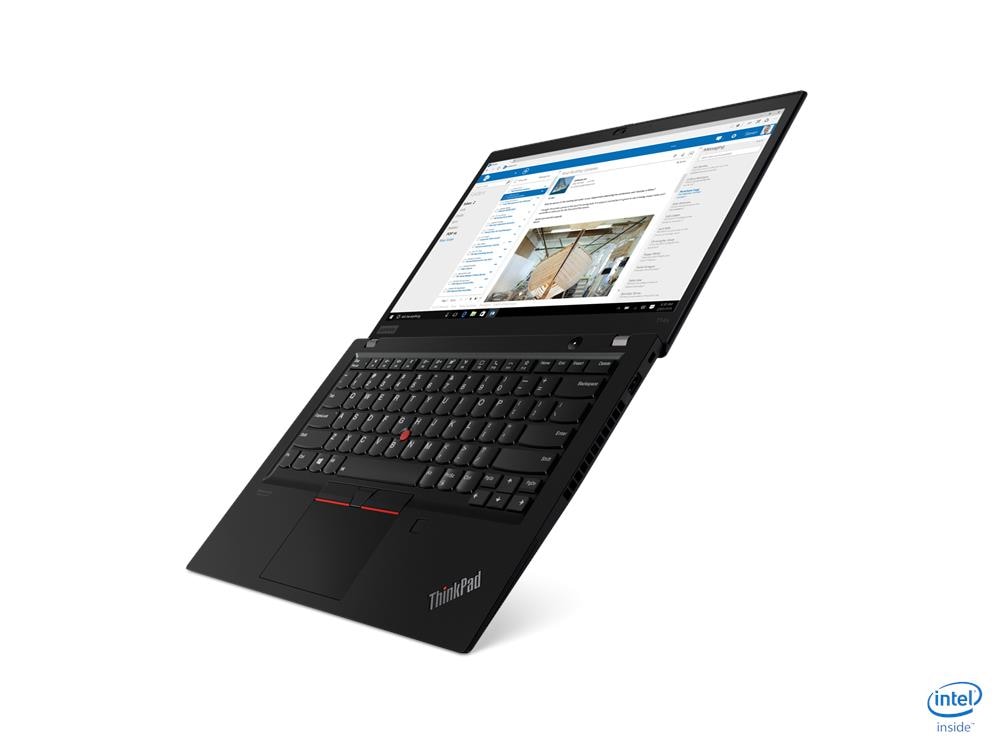
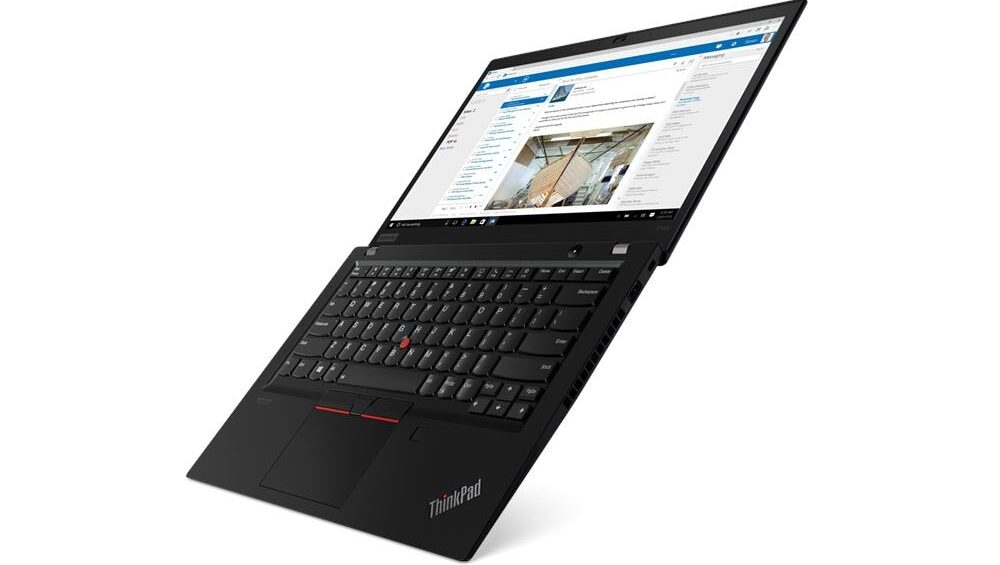
A strong ThinkPad for editing work. For video editing, RAM and SSD size matter more than a fancy screen.
What Specs Matter for Video Editing?
Not every spec matters the same. Here is what to look for, in order of importance.
1. RAM: 16GB is the real minimum
Video editing apps like Premiere Pro, DaVinci Resolve and CapCut load video frames into memory. With 8GB RAM, the app runs out of room and starts using the hard drive instead, which is far slower. That is when you see lag and dropped frames. With 16GB RAM, editing stays smooth for 1080p projects and short 4K clips. If you edit 4K video every day, 32GB is better, but 16GB is the right starting point for most people in Sharjah.
2. SSD: 512GB or more, never a hard drive
Video files are huge. A ten minute 1080p video can be several gigabytes, and a 4K project can be tens of gigabytes. A 256GB SSD fills up fast once you add the editing app, the project files and the exported videos. A 512GB SSD gives you room to work. An SSD is also far faster than an old hard drive, so your timeline loads quickly and exports finish sooner. Never buy a laptop with only a hard drive for video editing.
3. Processor: a modern i5 or i7
The processor does the heavy work of rendering and exporting. An 8th Gen i5 or newer handles 1080p editing well. An 11th or 12th Gen i7 handles 4K and effects much better. The generation matters as much as the i5 or i7 badge. A newer i5 can beat an older i7, so check the generation, not just the name.
4. Screen: Full HD is enough, colour matters more
A Full HD screen is enough for most editing work. What matters more is colour. A screen that shows colours truly helps you grade video correctly. Business laptops like the ThinkPad and EliteBook have good, honest screens. Avoid laptops with dim or washed out displays, even if the rest of the specs look good.
Quick rule: 16GB RAM plus a 512GB SSD plus a modern i5 or i7 is the video editing baseline. If a laptop misses one of these three, it will struggle with real editing work.
Best Refurbished Laptops for Video Editing in Sharjah by Budget
These prices were checked on our live shop. Prices can move, so check the shop page before you buy.
| Laptop | Price | Best for |
| Dell Latitude 7490 | AED 574 | Basic 1080p editing, CapCut, short videos |
| Dell Latitude 5320 | AED 736 | 1080p editing, light Premiere Pro work |
| HP EliteBook 840 G5 | AED 764 | 1080p editing, office plus editing mix |
| MacBook Air A1932 | AED 1,185 | Final Cut Pro, iMovie, Apple workflow |
| Lenovo ThinkPad T14s | AED 1,204 | Daily editing, travel, strong keyboard |
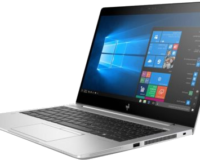
| HP EliteBook 840 G8 | AED 1,304 | Best pick: i7, 16GB, 512GB for smooth 1080p and short 4K |
Best overall: HP EliteBook 840 G8 at AED 1,304
The 840 G8 has an i7-1165G7 processor, 16GB RAM and a 512GB SSD. That is the full video editing baseline in one laptop, and it is the strongest machine in this list for the price. It plays 1080p timelines smoothly, handles short 4K clips, and exports faster than any of the cheaper options here. If you edit video every week, this is the one to buy.
Best for Apple editors: MacBook Air A1932 at AED 1,185
If you already use Final Cut Pro or iMovie, the MacBook Air A1932 keeps you in the Apple world. It is light, quiet and great for basic to medium editing. It is not the fastest machine here for heavy 4K work, but for YouTube videos, social media clips and family videos, it is a joy to use.
Best budget pick: Dell Latitude 7490 at AED 574
The 7490 is an i5 8th Gen laptop at the lowest price in this list. It handles CapCut, short 1080p videos and simple edits well. It will struggle with long 4K projects, so keep your projects short and your timelines simple. For a student or a beginner editor in Sharjah, it is the cheapest honest way to start.
The Dell Latitude 5320 at AED 736 is a step up from the 7490, with an 11th Gen i5 and a compact 13.3 inch body that is easy to carry to a shoot or a cafe. The HP EliteBook 840 G5 at AED 764 is a similar all round pick for people who mix editing with office work. Both are good 1080p machines, but neither matches the 840 G8 for heavy timelines.
The Lenovo ThinkPad T14s at AED 1,204 is the travel pick. ThinkPads are built to survive daily carrying, and the keyboard is the best here for long editing sessions with lots of shortcuts. Check the live shop page for its exact specs before you buy.
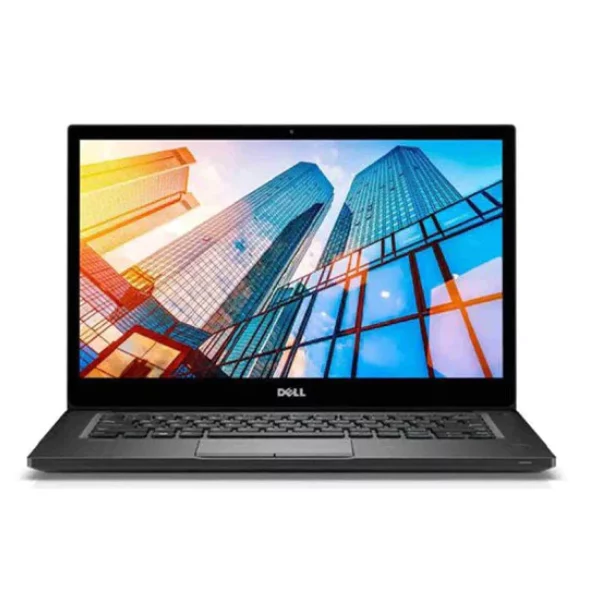
The Latitude 7490 is the cheapest honest start for video editing in Sharjah, at AED 574.
Video Editing vs Graphic Design: Different Needs
Video editing and graphic design look similar, but they stress a laptop differently. Design work in Photoshop and Illustrator needs a good screen and a fast processor for still images. Video editing needs RAM and storage speed for moving images, plus a processor that can render for minutes at a time. A laptop that is great for design may still lag on video timelines if it has only 8GB RAM. If you do both, pick the video editing baseline first, and the design work will run fine too. Our graphic design guide covers the design side in detail.
5 Tips to Edit Smoothly on a Refurbished Laptop
- Use proxy files for 4K video. Most editing apps can make small proxy copies of your 4K clips. You edit the small files, and the app uses the full files only when you export. This makes even a budget laptop feel fast.
- Keep at least 20 percent of the SSD free. A full SSD slows down badly. Move finished projects to an external drive and keep the laptop SSD clear for active work.
- Close the browser while you edit. A browser with many tabs eats RAM that your editing app needs. Close it before you open Premiere Pro or DaVinci Resolve.
- Edit from the SSD, not a USB drive. Copy your project files to the laptop SSD before you edit. Editing from a slow USB drive causes lag and dropped frames.
- Export overnight for big projects. A long 4K export can take an hour or more. Start it before bed and let the laptop finish while you sleep.
What to Check Before You Buy in Sharjah
Before you pay for any refurbished laptop, check the screen for dead pixels, test the keyboard, check the battery health, and confirm the RAM and SSD sizes in Windows settings. Every laptop from Laptops Gulf is tested on more than 40 points before it ships, and it comes with a 12 month warranty in writing and 10 day returns. Read our warranty guide to see exactly what the warranty covers. If you also need a laptop for office work, our office work guide explains the specs that matter there.
The most common mistake is buying on looks alone. A laptop can look perfect and still have only 8GB RAM and a small SSD, which will frustrate you on the first long edit. Always check the specs on the shop page, and ask us on WhatsApp if you are not sure. Tell us what app you edit in and what kind of videos you make, and we will point you to the right machine.
Delivery is free across the UAE, and you can pay by cash on delivery. If the laptop does not suit your editing work in the first 10 days, you can return it under our returns policy.
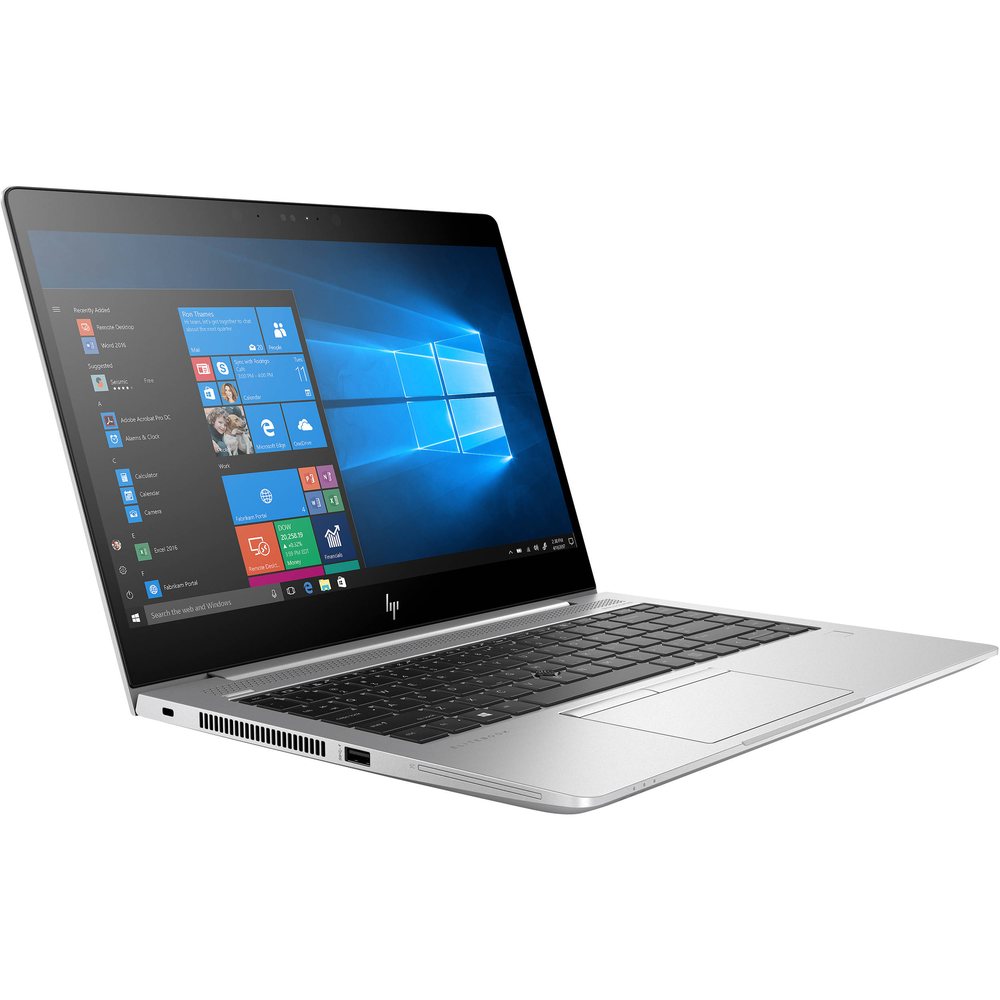
The EliteBook 840 G5 is a solid all round pick for editing mixed with office work, at AED 764.
Frequently Asked Questions
Can a refurbished laptop handle video editing?
Yes, if it has the right specs. You need at least 16GB RAM, a 512GB SSD and a modern i5 or i7 processor for smooth 1080p editing. Business laptops like the ThinkPad, Latitude and EliteBook are well built and handle editing work well when they have those specs.
Is 8GB RAM enough for video editing?
It is enough for very basic editing in CapCut and short 1080p clips, but it will lag on longer projects and 4K video. For regular editing work, 16GB RAM is the real minimum and worth the extra cost.
Which is better for video editing, MacBook or Windows laptop?
It depends on your apps. If you use Final Cut Pro, you need a MacBook. If you use Premiere Pro, DaVinci Resolve or CapCut, both work well. Windows laptops in Sharjah usually give you more RAM and storage for the same price, while MacBooks are quieter and simpler to use.
How much should I spend on a refurbished video editing laptop in Sharjah?
For basic 1080p editing, AED 574 to AED 800 is enough. For smooth daily editing with 16GB RAM and a 512GB SSD, plan on AED 1,200 to AED 1,350. Spending more than that only makes sense if you edit 4K video every day.
Do your refurbished laptops come with a warranty?
Yes. Every laptop from Laptops Gulf comes with a 12 month warranty in writing on your invoice, plus 10 day returns, free UAE delivery and cash on delivery.
Ready to start editing? Browse our refurbished laptops in Sharjah, all tested on 40+ points, with a 12 month warranty, 10 day returns and Cash on Delivery across the UAE. Questions? WhatsApp us on +971 506 757 156 and tell us what app you edit in and what videos you make. We will help you pick the right laptop for your work.